How to Create Branching Scenarios for eLearning — Without Storyline or Code
Most compliance and soft-skills training asks the same thing of learners: read this, watch this, then answer a few questions about what you just read. It is efficient to build and almost impossible to remember. Nobody learns to handle an angry customer, spot a phishing email, or navigate a difficult conversation by reading a bullet list about it. They learn by doing it—and living with the result.
That gap between knowing and doing is exactly what a branching scenario closes.
What is a branching scenario?
A branching scenario is an interactive story that drops the learner into a realistic situation, gives them a choice, and shows the consequence of that choice—which then leads to the next situation. Choose well and the story goes one way; choose poorly and it goes another, all the way to different endings.
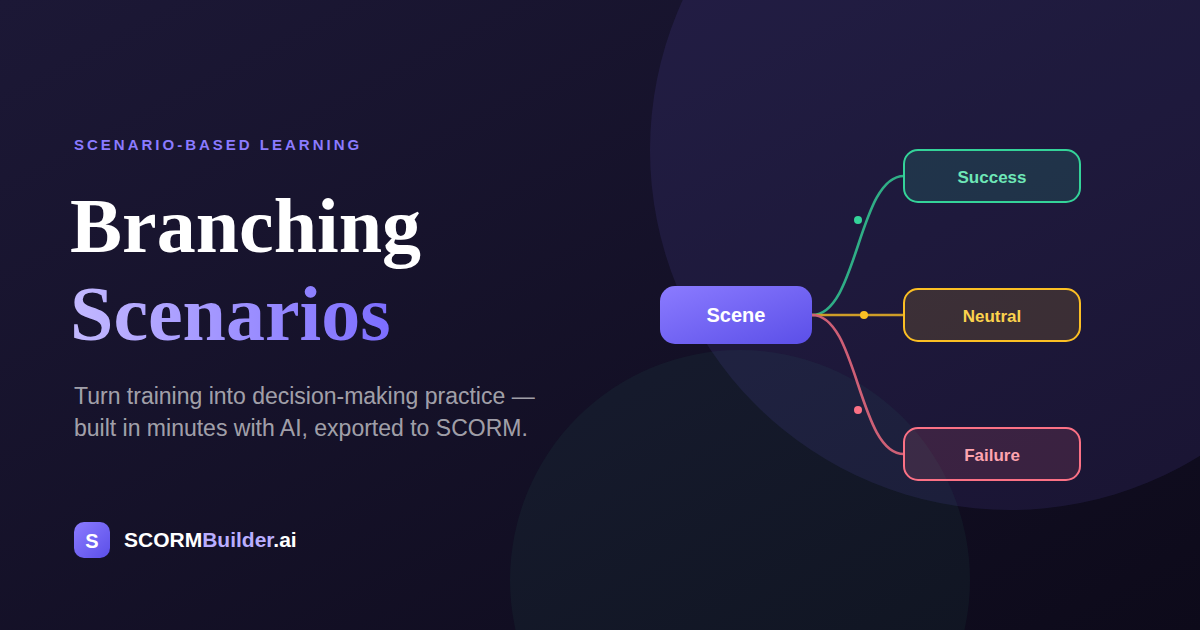
The mechanics are simple: a scene sets up a moment, two or three options represent the decisions a real person would face, and each option branches to a different next scene. String those together and you get a decision tree the learner walks through by making choices, not by clicking “next.”
It is the difference between a slide that says “always acknowledge the customer’s frustration before explaining policy” and a scenario where the learner picks “explain the policy first,” watches the customer escalate, and feels why the order matters.
Why scenario-based learning works
Scenario-based learning works because it moves practice before the mistake matters. A learner who talks a simulated customer into a formal complaint has made that mistake in a safe place, with no real customer and no real damage—and that failure is far stickier than a correct answer on a quiz.
Three things make branching scenarios effective:
- Decisions, not recall. The learner has to choose under realistic conditions, which is the actual skill you are training—not the ability to recognize the right answer in a list.
- Consequences teach. Seeing a choice play out badly is memorable in a way that being told “don’t do that” never is.
- Emotional context. A character, a setting, and a voice make the moment feel real, and emotionally charged moments are the ones people retain.
This is why instructional designers have championed scenario-based and action-mapped learning for years. The catch has always been that scenarios are hard to build.
Why most teams don’t build them
If branching scenarios are so effective, why is so much training still a slideshow? Because the traditional path is genuinely painful.
First you write the branches—every scene, every choice, every consequence, every ending—which is real narrative design work. Then you build them in a tool like Articulate Storyline, wiring variables and triggers scene by scene, or in a free tool like Twine that has no LMS output. Then you need visuals: characters, backgrounds, maybe voice-over, usually sourced or created separately and pasted in. A single good scenario can eat days.
For a solo course creator or a small L&D team, that math rarely works. So the scenario gets cut, and the training goes back to being a slideshow.
How to create a branching scenario with AI
The barrier was never the idea—it was the labor. That is the part AI removes.
With an AI branching scenario builder, the workflow inverts. Instead of building the structure by hand, you describe the situation and let AI draft it, then you refine. In Scenario Studio—the branching role-play builder inside SCORMBuilder—it looks like this:
- Describe the situation in one line. “An angry customer wants to return a product with no receipt.” AI drafts the full branching scenario: scenes, dialogue, a few choices per scene, consequences, and success, failure, and neutral endings.
- Refine the branches. Edit any line, reword a choice, add or remove a path, and change where each option leads. A built-in “Story Doctor” flags dead ends and gaps before you publish, and a visual map shows the whole branching flow at a glance.
- Cast it. Pick characters and backgrounds from a built-in library—illustrated or realistic—so each scene has a face and a place instead of a wall of text.
- Add narration. Generate natural AI voice narration for each scene in a click, so the scenario can be heard as well as read.
- Preview and export. Play it exactly as a learner will, then export.
What used to take days becomes an afternoon, and the hard narrative decisions stay with you while the mechanical assembly is handled for you.
A quick example
Say you are building customer-service training. You write one prompt about a frustrated customer at a returns desk. AI drafts a scenario where the customer, Chen, is visibly upset, and the learner gets three options: listen and acknowledge, defend the company, or tell him to lower his voice.
Pick “listen and acknowledge” and Chen calms slightly, opening a path toward resolution. Pick “tell him to lower his voice” and he escalates toward a complaint. Each choice threads to a different scene, and the paths eventually reach endings labeled pass, fail, or neutral. Same five minutes of learner time; a completely different experience from a slide that lists “de-escalation tips.”
It still has to run in your LMS
A scenario is only useful if it plays where your learners are. This is where a lot of standalone scenario tools fall down—they produce something slick that will not export to SCORM, or that breaks once it is inside an LMS.
A branching scenario built in SCORMBuilder exports as part of a standards-compliant SCORM package—SCORM 1.2, SCORM 2004, xAPI, or cmi5—that plays in Moodle, SCORM Cloud, and any compliant LMS. Characters, backgrounds, and audio are bundled into the package, so the scenario plays reliably even offline, and it sits inline alongside the rest of your course blocks rather than as a bolted-on external link. Build the scenario once and drop it into any course.
The honest takeaway
Branching scenarios have always been the most effective format almost nobody uses, because the effort-to-reward ratio was brutal. That ratio just changed. When AI drafts the structure and the tool handles characters, narration, and SCORM export, the reason to keep shipping slideshow training disappears.
If your training tells people what to do but never lets them practice deciding, a branching scenario is the upgrade—and it no longer costs you a week to build one.
Build a branching scenario in SCORMBuilder and turn your next course from telling into practice.
Frequently Asked Questions
What is a branching scenario?
A branching scenario is an interactive story where the learner is put in a realistic situation, makes a choice, and sees the consequence of that choice—which then leads to the next situation. Instead of reading about what to do, the learner practices deciding, and different choices lead to different outcomes and endings.
How do you create a branching scenario?
Traditionally you map out scenes, choices, and consequences, then wire them together in a tool like Articulate Storyline or Twine. With an AI branching scenario builder like Scenario Studio in SCORMBuilder, you describe the situation in one line, AI drafts the whole branching structure—scenes, dialogue, choices, and endings—and you refine it, add characters and narration, and export.
Do branching scenarios work in SCORM and my LMS?
Yes. A branching scenario built in SCORMBuilder exports as part of a standards-compliant SCORM, xAPI, or cmi5 package that plays in Moodle, SCORM Cloud, and any LMS, with characters, backgrounds, and audio bundled so it also plays offline.
Do I need Storyline or coding skills to build a branching scenario?
No. Storyline can build branching scenarios but has a steep learning curve, and pure-code tools require development skills. An AI-assisted builder lets you generate and edit a branching scenario visually, with no coding and no complex trigger logic to wire up by hand.