The SCORM Course Launch Checklist: 21 Checks Before Upload
اقرأ بالعربية →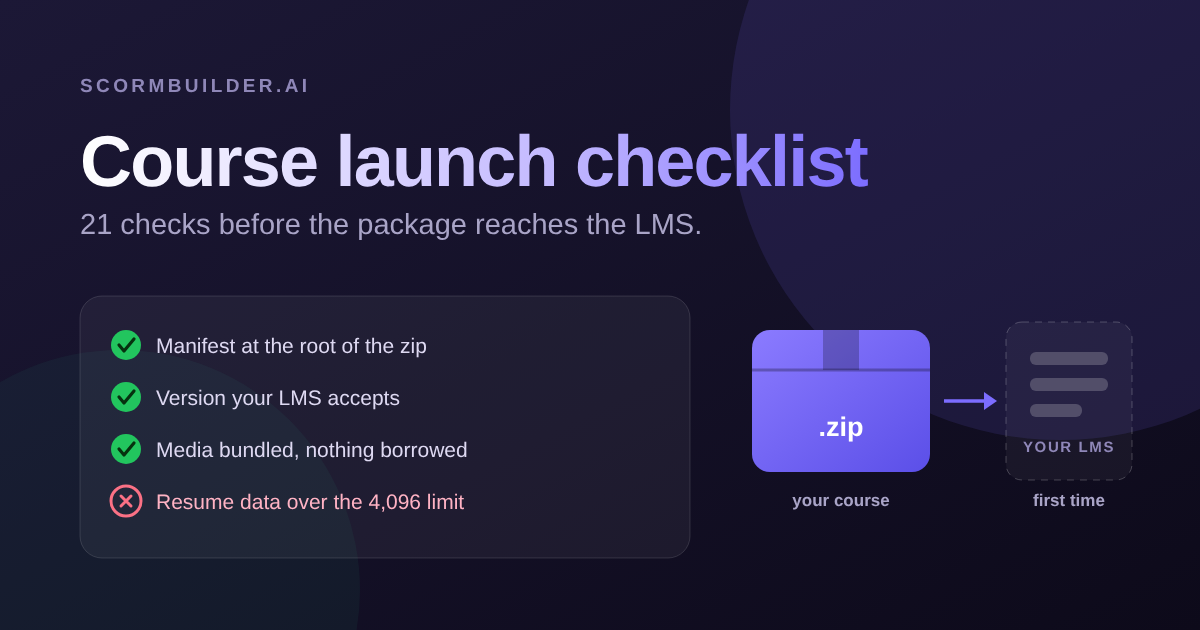
Most eLearning courses do not fail at the point of design. They fail at the handover — the moment an exported zip leaves the person who built it and arrives with whoever runs the LMS. The content is fine. The package will not import, the completions do not record, or the progress does not save, and a week disappears into email.
This is a course launch checklist written from that side of the handover: the checks that stop a SCORM package coming back. Twenty-one of them, in the order you actually hit them, plus the five mistakes that cause most rejections.
Before you export: the course itself
1. Every page is finished. No placeholder images, no “TBC”, no lorem text in the last module nobody reviewed. It sounds obvious. It is the single most common thing a pilot group reports.
2. You have decided what “complete” means. Viewing every page? Passing the quiz? Both? This is a decision, not a default, and it determines what your LMS will report for the rest of the course’s life.
3. The pass mark is reachable. Check the arithmetic, not just the number. A 70% pass mark on a three-question quiz means two of three — 67% — fails. On a two-question quiz, 70% means both or nothing. Set the mark against the number of questions you actually have.
4. You have listened to the narration all the way through. Synthetic voices mispronounce names, acronyms and technical terms, and they do not know which syllable you stress. Reading the script is not the same as hearing it.
5. Someone who did not write it has reviewed it. Preferably someone who will have to answer questions about it later.
The export: settings that decide how it behaves
6. The right standard for your LMS. SCORM 1.2 has the broadest support and is the safe default. SCORM 2004 separates completion from success, supports sequencing, and allows far more resume data. xAPI and cmi5 go further again. Confirm what your LMS accepts before you export, not after. If you are weighing the options, start with SCORM vs xAPI.
7. Completion and success are not the same field. In SCORM 2004 they are reported separately — someone can complete a course and fail it. In SCORM 1.2 they are squeezed into one value. Know which one your reporting actually needs before you choose.
8. The mastery score is set, and you know who wins. Many LMSs let an administrator override the pass mark set inside the package. If yours does, agree the number once rather than discovering two different values in two places.
9. Everything is bundled, nothing is borrowed. Fonts, images, video, narration audio: all inside the zip. A course that pulls a font or a video from an external URL will break the day that URL changes, and will be blocked outright if it loads over plain HTTP into an LMS served over HTTPS. That mixed-content block is silent in some browsers — the learner just sees a gap.
10. The file is under the LMS upload limit. Server upload limits are often far lower than people expect, and a media-heavy course passes them easily. Ask for the number before you export rather than after the upload fails.
Test it before anyone else does
11. Test it somewhere neutral first. A SCORM test environment such as SCORM Cloud validates the package, shows you the data the course is sending, and costs you nothing but ten minutes. Finding a broken manifest there is a private problem. Finding it in your LMS is a public one.
12. Complete the course yourself and watch the status arrive. All the way to the end, in one sitting. Confirm the completion — and the score, if you are scoring — actually registers.
13. Leave halfway, close the browser, and come back. Resume is the feature learners notice only when it fails. Test it properly: close the tab, not just navigate away.
14. Check your resume data against the limit. SCORM 1.2 allows 4,096 characters of suspend data. SCORM 2004 allows 64,000. A long course with many interactions can exceed the 1.2 limit, at which point resume silently stops working and nobody gets an error. If your course is long or branching, this alone is a reason to publish as 2004.
15. Open it on a phone, and in the browsers your learners actually use. Not the ones you use.
The handover
16. Name the file so a human can tell which one is current. course-v3-FINAL-final2.zip has cost more hours than any technical fault on this list. Put the course name and a version or date in the filename.
17. Send the settings with the package. What counts as completion, what the pass mark is, how many attempts are allowed, whether it should open in a new window. Your LMS administrator cannot read these out of the zip, and guessing takes longer than asking.
18. Agree who fixes what. If the course will not import, that is usually the package. If it imports but does not record, that is usually a setting. Knowing which conversation to have saves the week that normally disappears here.
After it goes live
19. Pilot with a small group first. Five people from the real audience, on their real devices, before the mandatory email goes to two thousand.
20. Check the first completions in the LMS reports. Not in the course — in the report your organisation will actually use. Confirm names appear, statuses are right, and scores look sane.
21. Keep the source, the exported zip, and a record of who approved it. If the course is ever questioned — and compliance training is questioned — that record is the answer. Store it somewhere that survives the person who built it leaving.
The five that cause most rejections
| What happens | The cause | The fix |
|---|---|---|
| ”Manifest not found” on import | The folder was zipped instead of its contents, so imsmanifest.xml sits one level down | Select the files inside the folder, then zip |
| The LMS refuses the package | A SCORM version it does not support | Re-export in the version your LMS accepts |
| Upload fails or times out | The file exceeds the server upload limit | Compress media, or split the course into modules |
| Images or video missing for learners | Assets loaded over HTTP into an HTTPS LMS, or linked externally | Bundle everything inside the package |
| Works for you, broken for others | File paths with spaces or mixed capitals, which a Linux LMS treats as different files | Keep filenames lower case with hyphens |
Where the checklist starts
Begin the content checks the moment the course is drafted. Finish the technical and handover checks at least a week before launch. That week is not padding — it is the LMS administrator’s. If a package bounces, you need room to re-export and re-test without moving the date, and the date is the thing everyone remembers.
A note on the tool you build in
Several items on this list are decisions an authoring tool makes for you, well or badly. Whether the export is genuinely self-contained is the one worth checking before you commit to any tool: if fonts, images and narration audio are bundled into the package, items 9 and 11 largely take care of themselves, and the course keeps working in your LMS regardless of what happens to your authoring subscription.
SCORMBuilder.ai exports SCORM 1.2, SCORM 2004, xAPI and cmi5 with the media bundled, which is why that is the property we would tell you to check in anything you evaluate, including ours. For the practical next step, see uploading a SCORM course to Moodle, or what is SCORM if you are new to the standard.
Frequently Asked Questions
What should you check before uploading a SCORM package to an LMS?
Five things catch most problems: that the zip has imsmanifest.xml at its root rather than inside a folder, that the SCORM version matches what your LMS accepts, that the file is under the LMS upload limit, that nothing in the course loads over plain HTTP, and that you have completed the course yourself in a test environment and seen the completion register.
Why does my LMS reject my SCORM package?
Most often because the zip was made by right-clicking the folder rather than its contents, which buries imsmanifest.xml one level down where the LMS cannot find it. The next most common causes are a SCORM version the LMS does not support, and a file larger than the upload limit configured on the server.
How do I test a SCORM package before uploading it?
Upload it to a SCORM test environment such as SCORM Cloud first. It will tell you whether the package is valid, show you the data the course is sending, and let you complete it and watch the status arrive — all without involving your LMS administrator or putting a broken file in front of learners.
Why does my SCORM course not save progress?
Usually the suspend data limit. SCORM 1.2 allows only 4,096 characters of bookmark and state data, and a long course with many interactions can exceed it, at which point resume stops working with no error anyone sees. SCORM 2004 raises the limit to 64,000 characters, which is why long courses are often better published as 2004.
Should I publish as SCORM 1.2 or SCORM 2004?
SCORM 1.2 has the widest LMS support and is the safe default for short courses. SCORM 2004 reports completion and success as separate values, handles sequencing, and allows far more resume data, which matters for long or branching courses. Check what your LMS accepts before deciding, because not every LMS supports 2004.
How far ahead of launch should the checklist start?
Start the content and design checks as soon as the course is drafted, and finish the technical and handover checks at least a week before the launch date. The week exists for the LMS administrator: if a package bounces, you need time to re-export and re-test without moving the date.